Creating tickets
To create a ticket, use the JavaScript console to make an HTTP POST request to the Ticketing API's Create Ticket endpoint.
-
Sign in to your Zendesk account as an admin or agent. From the Zendesk Agent Workspace, open your browser's JavaScript console:
- Chrome: View > Developer > JavaScript Console
- Firefox: Tools > Browser Tools > Web Developer Tools. Then click the Console tab.
- Safari: Develop > Show JavaScript Console
- Microsoft Edge: Tools > Developer > JavaScript Console
-
Paste the following script into your browser's console.
for (let i = 1; i < 4; i++) {const subject = `Test ticket ${i}`const body = `This is test ticket ${i}`$.ajax({url: "/api/v2/tickets.json",contentType: "application/json",type: "POST",data: JSON.stringify({ticket: { subject: subject, comment: { body: body } }})}).done(data => {console.log(data.ticket)})}Here's what the code looks like after pasting it into Google Chrome's JavaScript console:
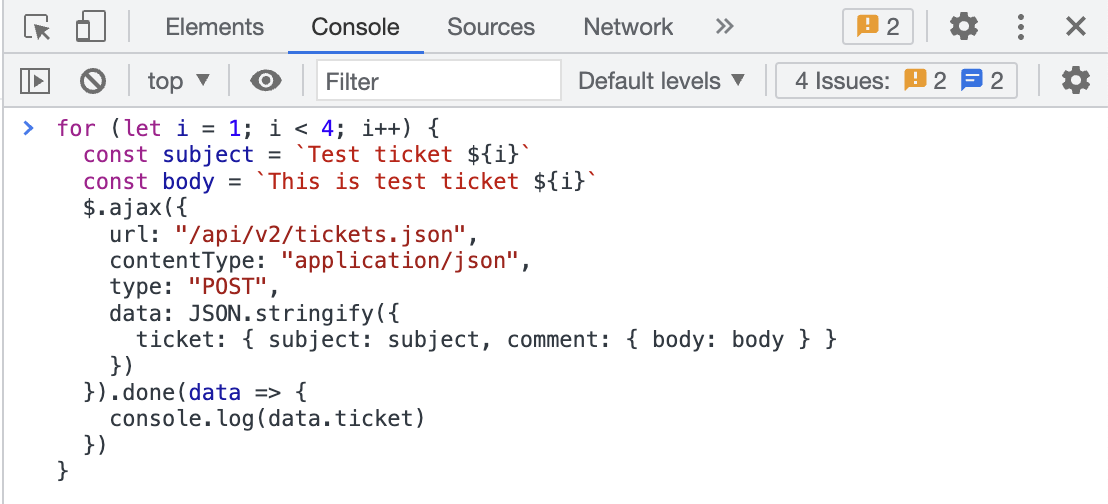
The code snippet creates a loop that makes three requests to the Create Ticket endpoint. Each request creates a ticket in Zendesk Support.
-
Press Enter.